Online assessment platform
Learn with honesty.
Online exams designed to stay honest, so the score reflects what each student actually knows. Create an assessment, share a 6-digit token, and monitor every session in one calm workspace.
The honest middle ground
Paper exams are easy to run but slow to grade. Big proctoring suites are powerful but expensive and intimidating for daily classes. AlbEdu sits in between: a lightweight workflow where a teacher creates an assessment, shares a 6-digit token, and students simply enter it — no student accounts required.
Create
Build your assessment with a 3-stage wizard. Add questions manually or import from XLSX, CSV, or Word.
Share
Get a unique 6-digit token. Share it with learners — they enter it to start the assessment, no account needed.
Collect
Watch progress in real time. Results are saved automatically. Export to CSV, Excel, or Word when done.
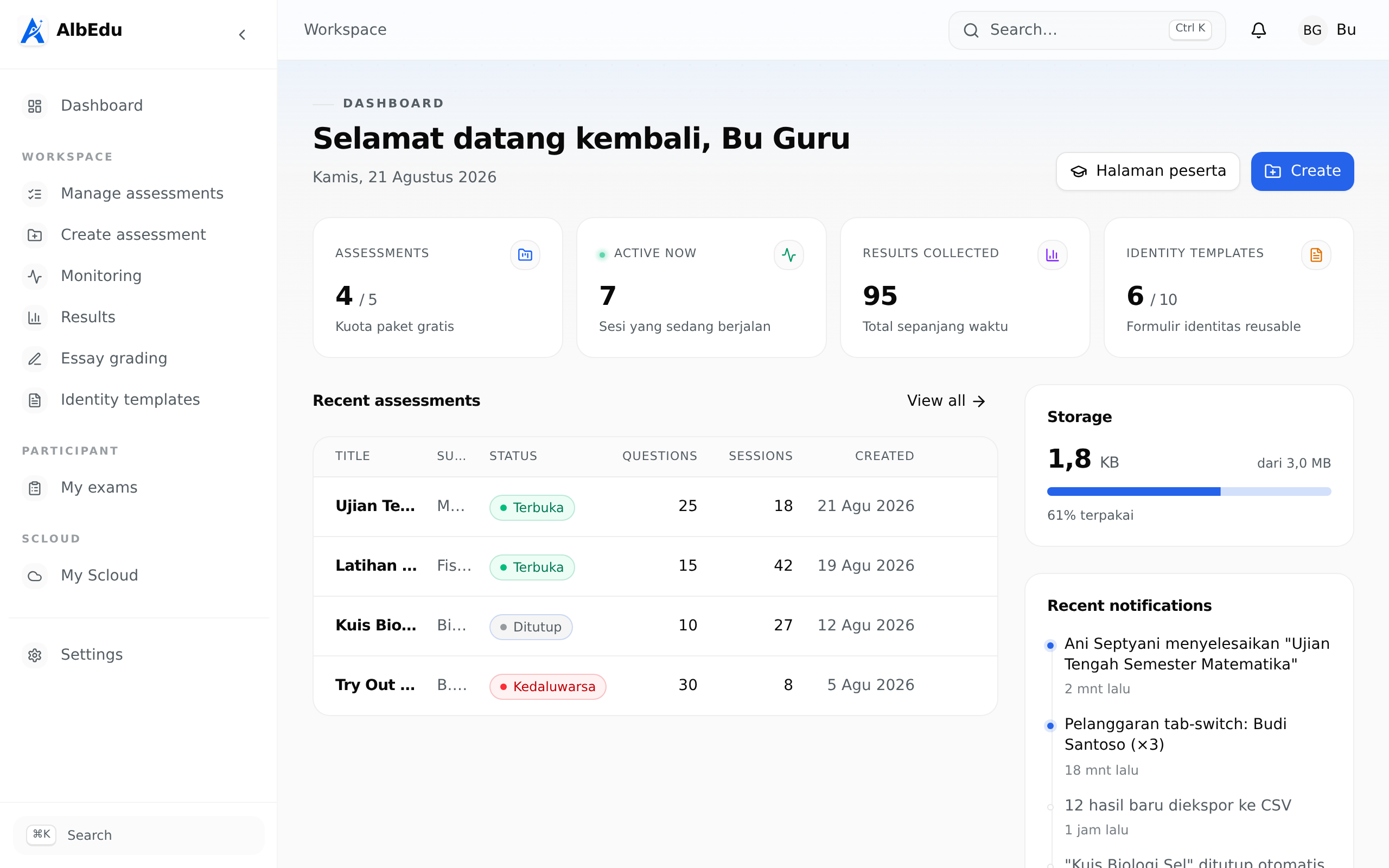
The workspace, in real screenshots
The real AlbEdu workspace interface, shown with sample data.
Watch every session unfold, live
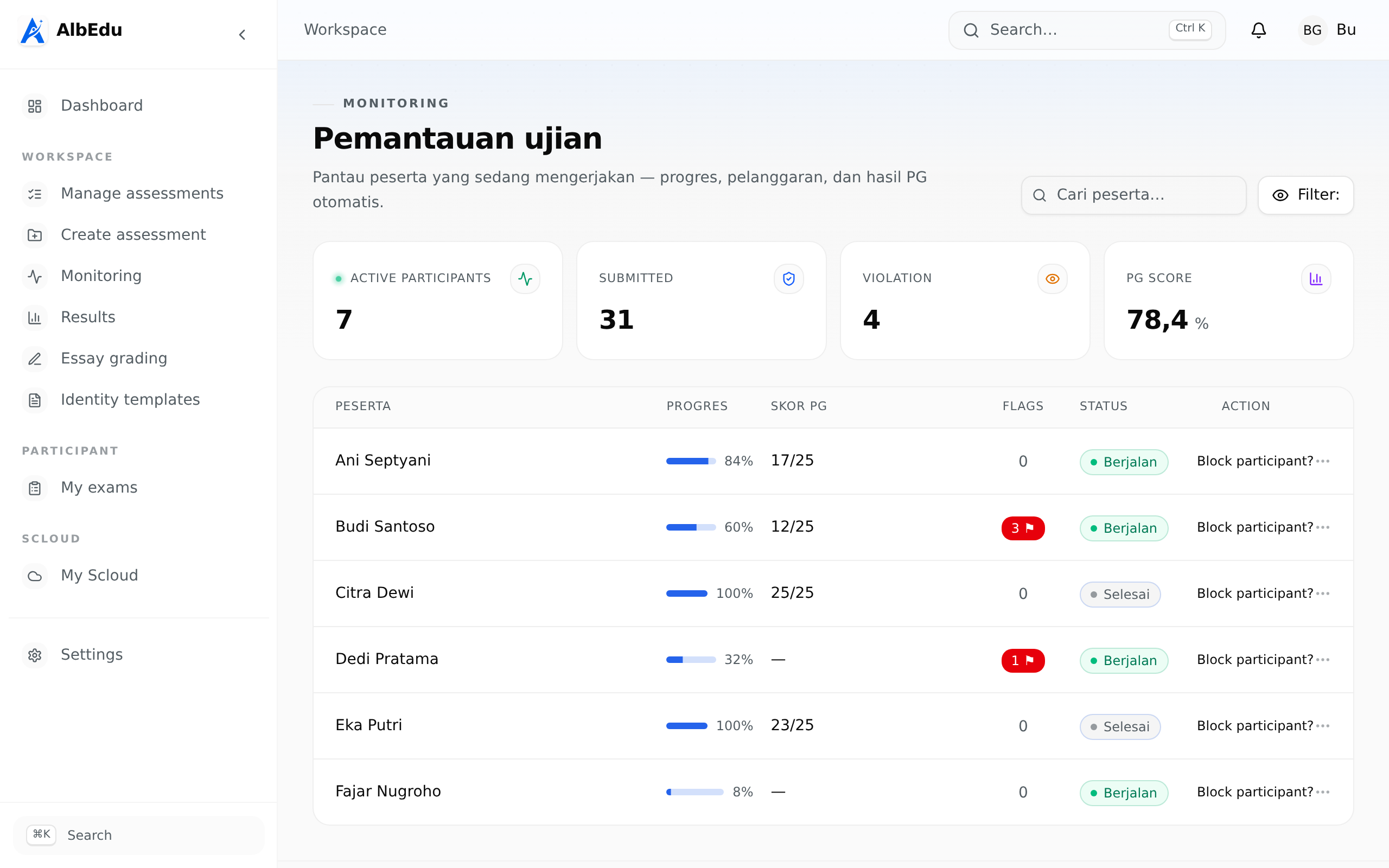
The monitoring table refreshes roughly every 10 seconds. See who is active, how far each learner has progressed, and step in the moment an integrity event needs your attention.
- Live progress for every learner
- Integrity events surfaced as they happen
- Block a learner with a documented reason
Results that are ready when you are
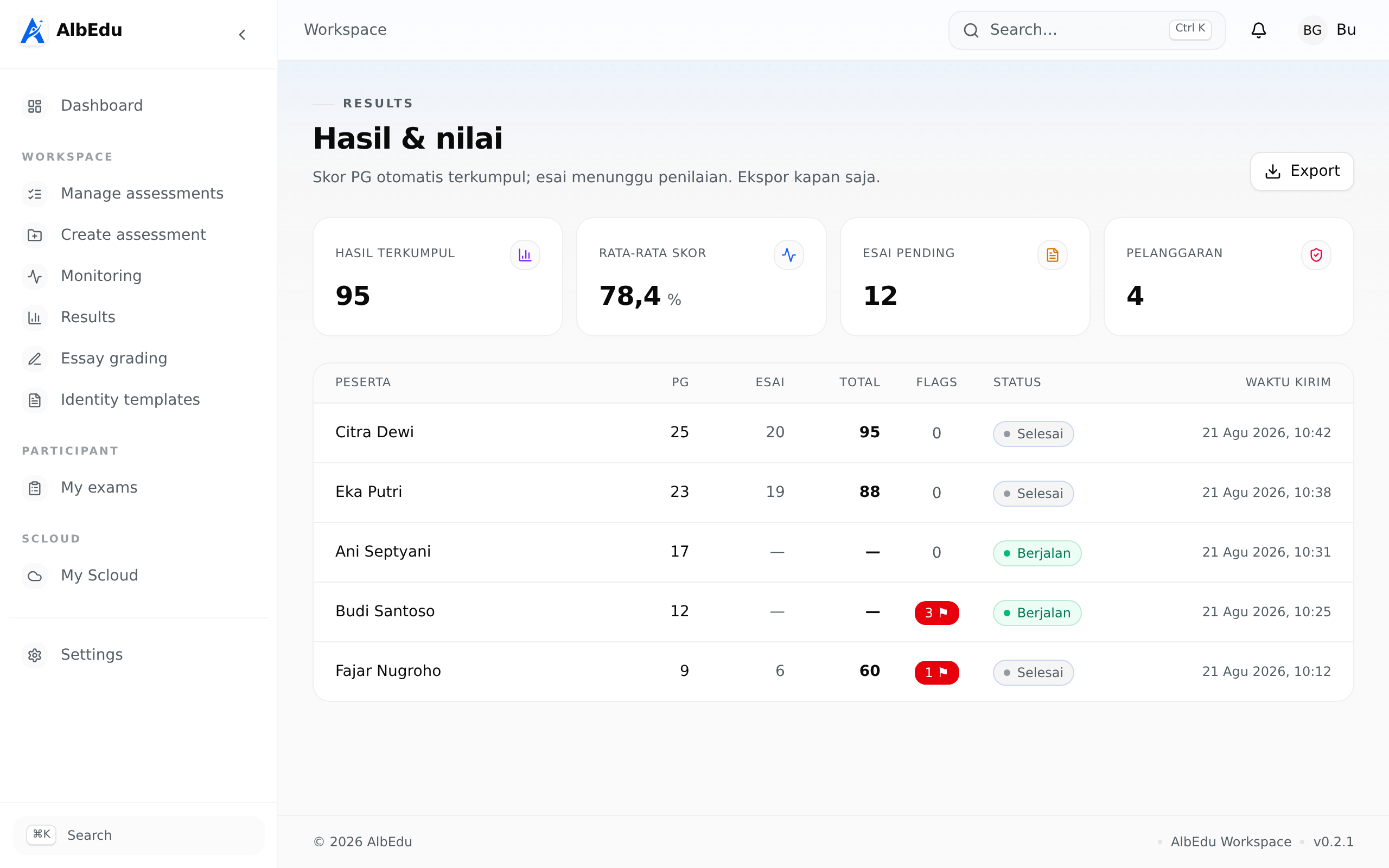
Every submission lands as a snapshot — identity, answers, scores, and violation context. Multiple choice is scored automatically; essays wait in a clear grading queue.
- Auto-scored multiple choice
- Essay grading queue with pending counts
- Export to CSV, XLSX, or DOCX
One account, every side
Every account gets a private workspace and the exam area — SCloud organizations add Leader, Assessor, and Learner roles.
Workspace
Create assessments, monitor sessions live, and collect results in a private workspace. Quotas keep things lightweight: 5 assessments, 10 identity templates, 3 MB of result storage — SCloud organizations raise this to 25 assessments and a 4.5 MB shared pool.
- Google sign-in or email/password
- Private workspace for every account
- Email verification required
Exams
Sign in with Google for the full exam area, or continue as a guest with a 6-digit token. SCloud members get early access and a priority lane for their organization's assessments.
- Sign in with Google for the full exam area
- Or guest mode with 6-digit token
- Same anti-abuse for both paths
Frequently asked
Run your next exam with honesty.
Sign in to access your workspace, or enter a token to take an assessment.
No credit card required. Sign in with Google, or enter a 6-digit token to take an assessment.